Introducing Offline Authentication — Secure Workforce Management Without Internet
Introducing Offline Authentication — Secure Workforce Management Without Internet
Stay productive even when the internet isn’t
At QRPunch, we believe employee time tracking shouldn’t stop when your Wi-Fi does. Many small and medium businesses — from factories to construction sites — need dependable time tracking even without stable connectivity.
That’s why we’ve introduced Offline Authentication, a powerful new feature that lets administrators manage attendance data and employee records offline for up to 30 days.
What Is Offline Authentication?
Offline Authentication enables paid-tier admins to log in and use QRPunch without internet access for up to 30 days after their last verified sign-in.
During that period, you can:
- ✅ Access the management dashboard
- ✅ View and export attendance data
- ✅ Oversee your workforce — securely and locally
All while keeping data stored on your own device, with no cloud dependency.
How It Works
1. Initial Admin Sign-In (Online)
- ➡️ Log in once while connected to the internet.
- ➡️ QRPunch securely verifies your credentials with Firebase.
- ➡️ Offline Authentication becomes active for the next 30 days.
2. Offline Operation (Up to 30 Days)
- ✅ You can open QRPunch, manage employees, view or export data, and continue normal use — even without any internet connection for up to 30 days.
- ✅ Employee QR scanning and attendance viewing remain fully functional indefinitely across all tiers, including the free plan.
3. Revalidation After 30 Days
- ➡️ When your offline authentication period ends, reconnect to the internet and sign in again to renew admin access.
- 🔒 This ensures your credentials stay secure and synchronized with Firebase.
4. Subscription Validation (Separate Process)
- ➡️ Internet is also required when your current billing cycle ends — to confirm whether your subscription is active, cancelled, or upgraded.
- 💰 Choosing an annual plan minimizes these validation intervals and keeps your offline access uninterrupted for longer.
Why Offline Access Matters
No Downtime for Your Team Even in areas with unstable or no internet, your employees can clock in and out instantly using QR codes. Attendance logs and reports remain accessible to admins offline.
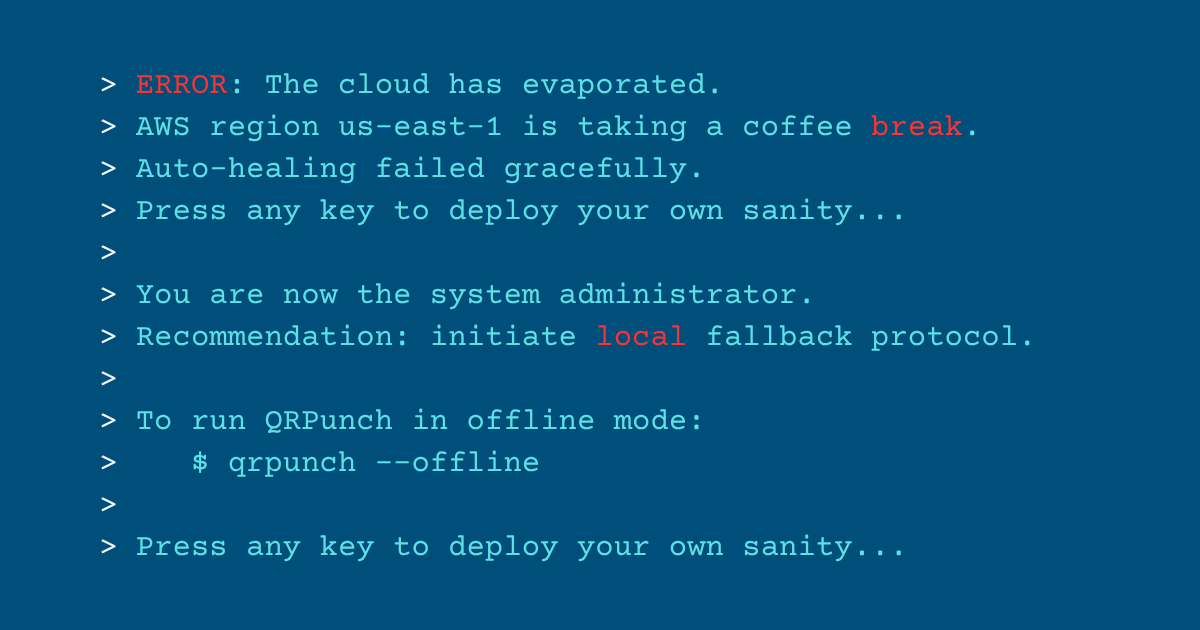
Recent AWS and Azure outages have shown that even the most reliable cloud services can experience disruptions. With QRPunch’s offline capabilities, your operations continue unaffected — your attendance data remains accessible regardless of external service interruptions.
Local Data Security All information is saved locally on your computer. That means no third-party servers, no external data storage, and no exposure to online breaches.
Flexible for Every Environment From manufacturing floors to government offices or remote facilities, QRPunch ensures reliable workforce management — even in spotty networks.
Available Now
Offline Authentication is available to all paid QRPunch plans, complementing existing offline features already available to all tiers:
- ✅ QR code scanning (offline indefinitely)
- ✅ Attendance data viewing (offline indefinitely)
To activate Offline Authentication (paid tiers):
- ➡️ Update to the latest version of QRPunch (>= v1.1.2).
- ➡️ Log in online once to enable offline admin access.
After that, enjoy up to 30 days of secure, local management — no constant connectivity required.
Ready to try Offline Authentication? Download QRPunch for free and start with the Free Starter tier — upgrade anytime to unlock offline admin access.
QRPunch: Local, Secure, and Always Ready
With Offline Authentication, QRPunch becomes one of the few employee time tracking software solutions that work entirely offline, empowering businesses to stay efficient, secure, and compliant — anywhere.
Your workforce. Your data. Your control — even without internet.